E-commerce

AI Product Photo Generator

Upload one product photo and generate professional lifestyle and studio scenes — Amazon-ready, Shopify-ready, ad-ready.

Drag & drop an image, or click to browse

Supports JPG, PNG, WEBP up to 20MB

Your result will appear here

See the transformation

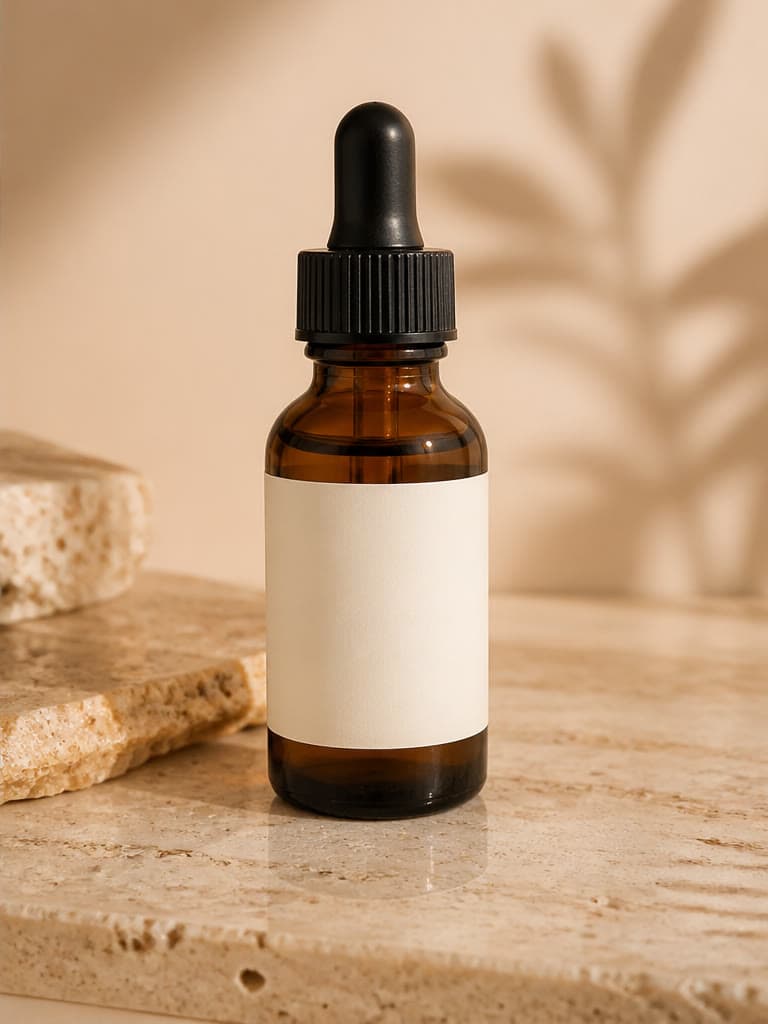
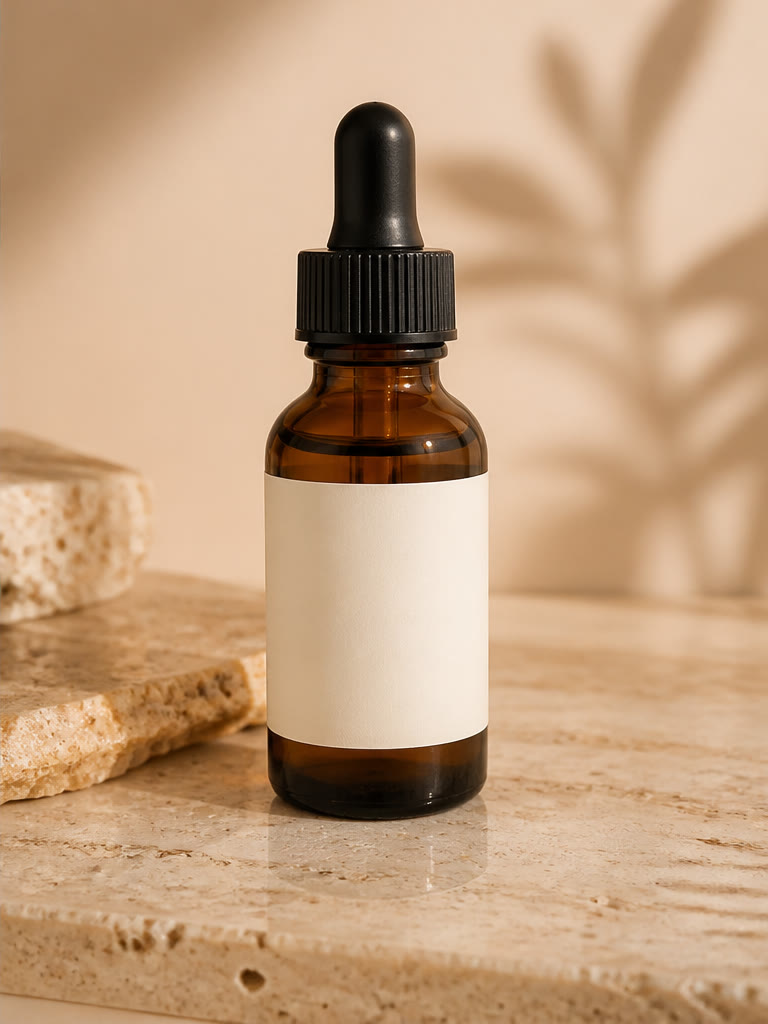
AI Product Photo Generator — AI Result
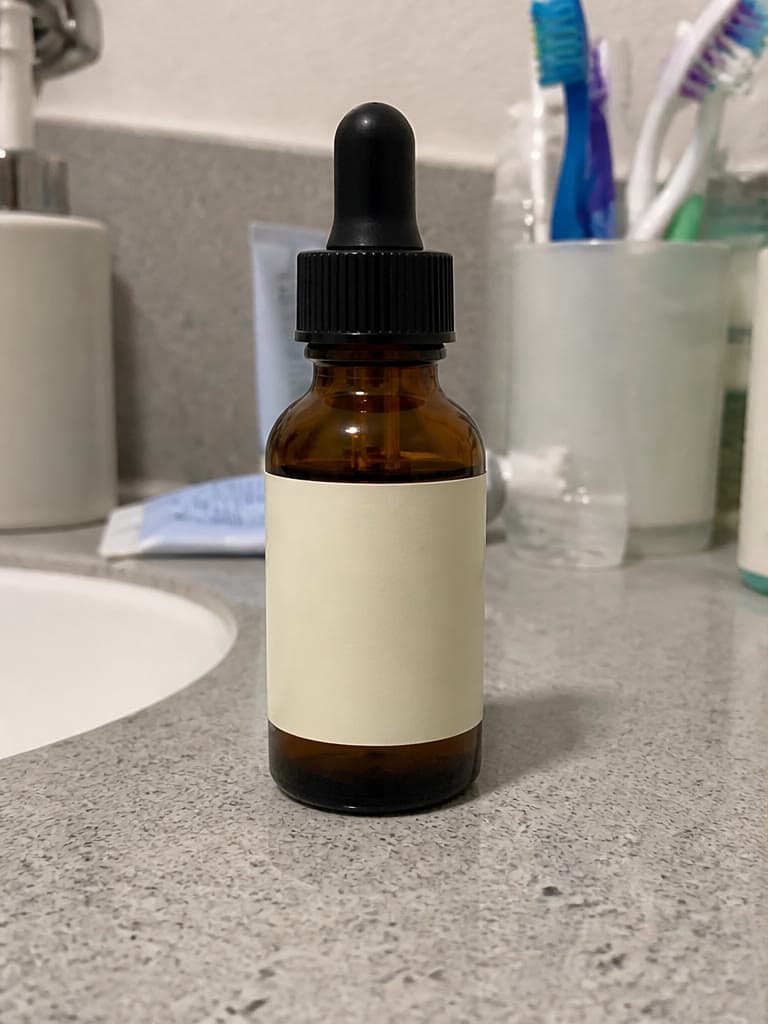
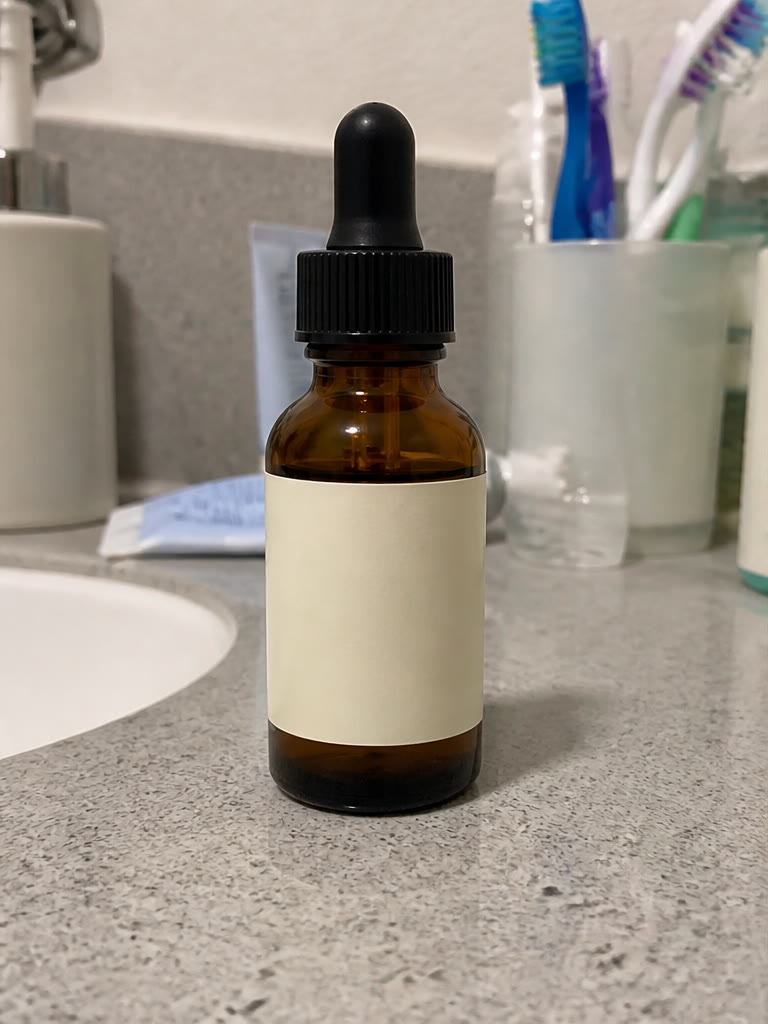
AI Product Photo Generator — Original
Original
AI Result

How to create AI product photos

Upload a clear reference where the complete product is visible, then describe one scene in plain language. Include the surface, environment, lighting, color palette, camera angle, and commercial style so the AI product photo generator has a focused creative brief.

Generate one direction at a time and compare each result with the source image. The uploaded product guides the composition, but generative editing can change small details, so treat every output as a draft until it passes a product accuracy review.

Choose studio or lifestyle product photography

Studio scenes keep attention on the item and are useful when the product shape, material, and packaging should dominate the image. Lifestyle scenes add context and can help shoppers understand where or how a product might be used.

Match the scene to the placement. A product detail page may need a restrained composition, while an advertisement can support stronger art direction. Do not add props that imply accessories, quantities, or product capabilities that are not actually included.

Check ecommerce images before publishing

Review shape, scale, color, material, labels, logos, text, reflections, shadows, and product count at full resolution. Compare the generated image with the real item instead of judging only whether the scene looks attractive.

Marketplace and advertising policies can change and vary by category. Confirm the current rules for backgrounds, crops, text, props, and claims on the destination platform. Use verified photography whenever exact representation or regulated information is essential.

Practical workflows

Features

Studio-quality scenes

Generate professional product photography without a physical shoot.

Lifestyle scenes

Place your product in realistic lifestyle environments.

Style presets

Luxury, minimal, summer, seasonal, and more — choose a mood instantly.

Marketplace-focused concepts

Create white studio or lifestyle concepts for listings, then review them against current platform rules.

Product-aware generation

Use the uploaded item as a visual reference while generating a new surrounding scene.

Repeatable variations

Reuse a product source with different prompts to explore multiple scenes.

Use cases

Amazon listing concepts

Explore clean product presentations, then verify current Amazon image requirements before publishing.

Shopify product pages

Build a full product gallery without a photographer.

Social & ad creative

Produce scroll-stopping product visuals for paid campaigns.

Frequently asked questions

Will my product look accurate?

The source image guides the generation, but small shapes, colors, labels, or details can change. Compare every result with the real product before publishing.

What styles are available?

Luxury, minimal, summer, studio white, and seasonal themes, with more added regularly.

Can I generate multiple scenes from one product photo?

Yes, generate several scene variations from a single upload to build a full gallery.

Can I create a clean white studio background?

Yes. Request a white studio scene and specify whether you want a flat background, a floor line, or a natural contact shadow.

Are AI product images allowed on every marketplace?

Rules vary by marketplace, placement, and category. Review the destination platform's current image requirements before publishing.

Related tools