AI Image Upscaler
Turn low-resolution images into crisp, high-definition visuals ready for print or large displays.
Drag & drop an image, or click to browse
Supports JPG, PNG, WEBP up to 20MB
Your result will appear here
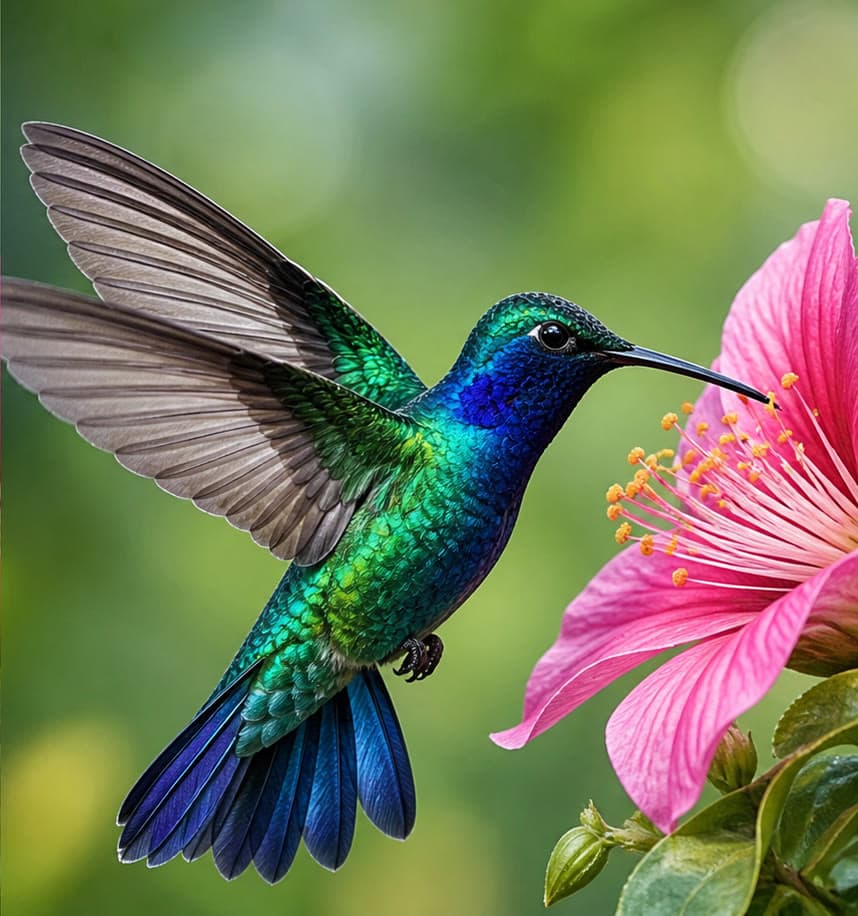
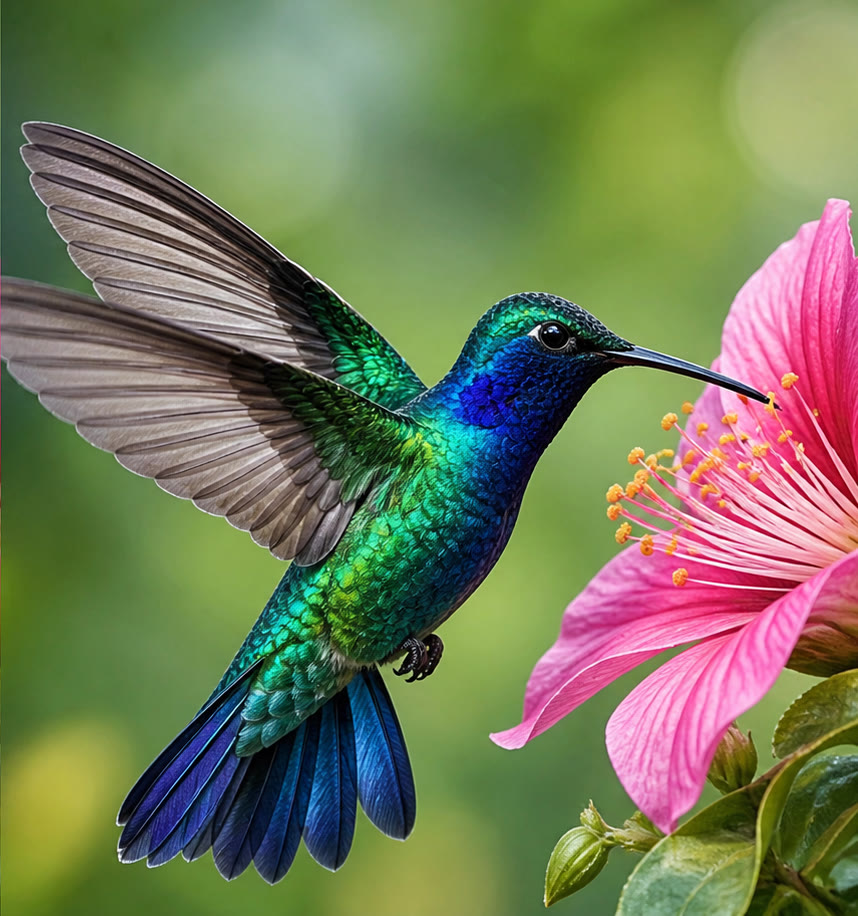
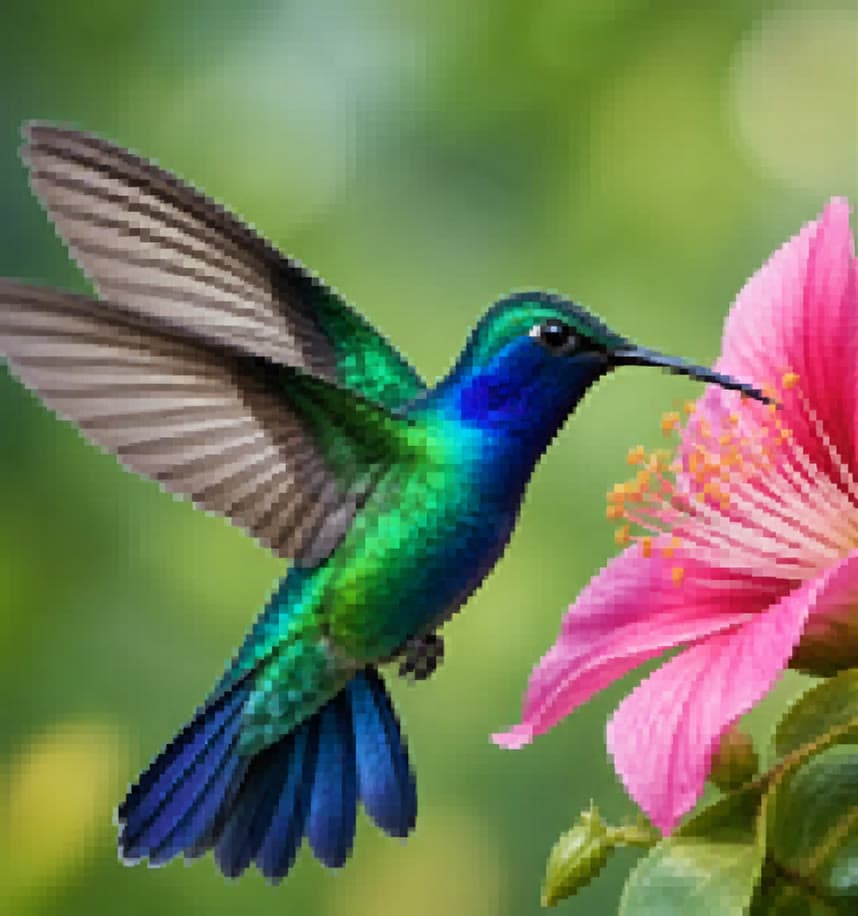
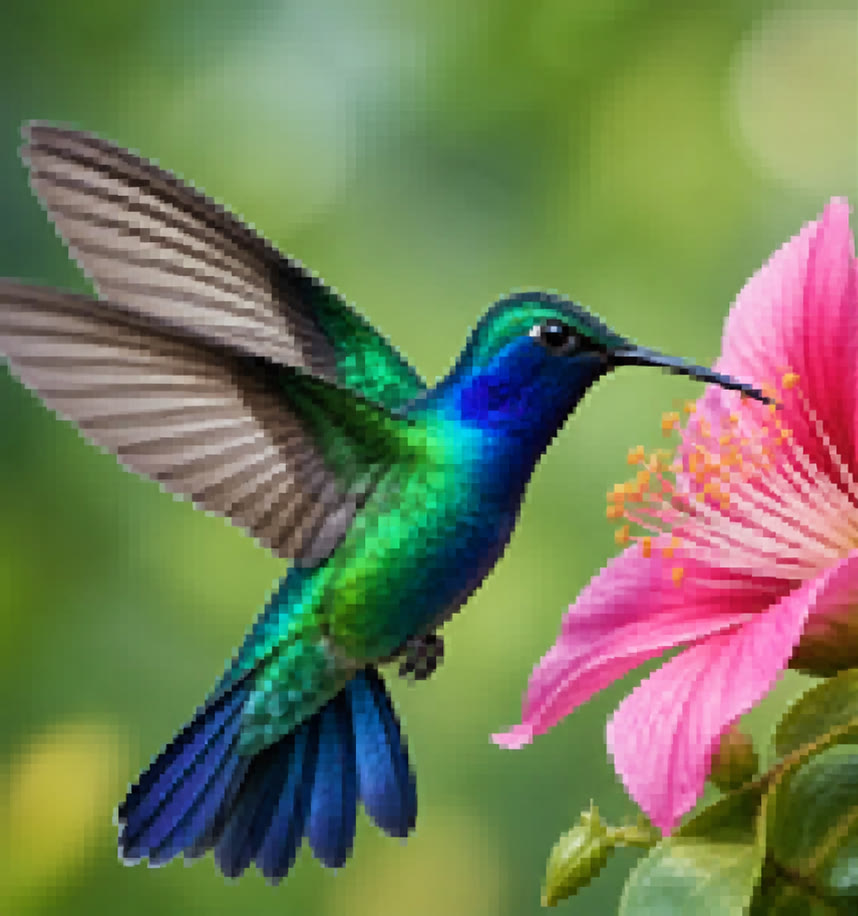
See the transformation
Practical workflows
AI Image Upscaling Guide: Increase Resolution Without Overclaiming Detail
Understand AI upscaling, prepare low-resolution images, choose a sensible output size, and inspect invented texture, faces, text, sharpening, and compression.
AI Image EnhancementAI Image Enhancement Guide: Improve Clarity, Color, and Noise Carefully
Enhance photos with AI using a controlled workflow for exposure, color, noise, sharpness, faces, texture, and truthful before-and-after review.
Features
Up to 8x upscaling
Enlarge images dramatically while preserving fine detail.
AI sharpening
Recover crisp edges lost to compression or low resolution.
Face enhancement
Specialized processing to keep facial detail natural and sharp.
Denoising
Clean up grain and compression artifacts automatically.
Old photo restoration
Bring old, low-quality scans back to life.
Print-ready output
Produce large-format, print-quality images from small originals.
Use cases
Print & large format
Prepare low-resolution images for billboards, posters, and print.
E-commerce zoom
Meet marketplace resolution requirements for zoomable product images.
Archival restoration
Upscale and restore old family photos or historical archives.
Frequently asked questions
How large can I upscale an image?
Up to 8x the original resolution while maintaining sharp detail.
Will faces look distorted after upscaling?
No, our face enhancement mode is specifically tuned to keep facial features natural.
What's the maximum file size?
Up to 20MB per image on the standard upload.