AI Product Photography
AI Product Photography: A Practical Guide for Ecommerce Brands
Learn a practical AI product photography workflow for source images, prompts, lifestyle scenes, quality checks, and deciding when a real photoshoot is still necessary.
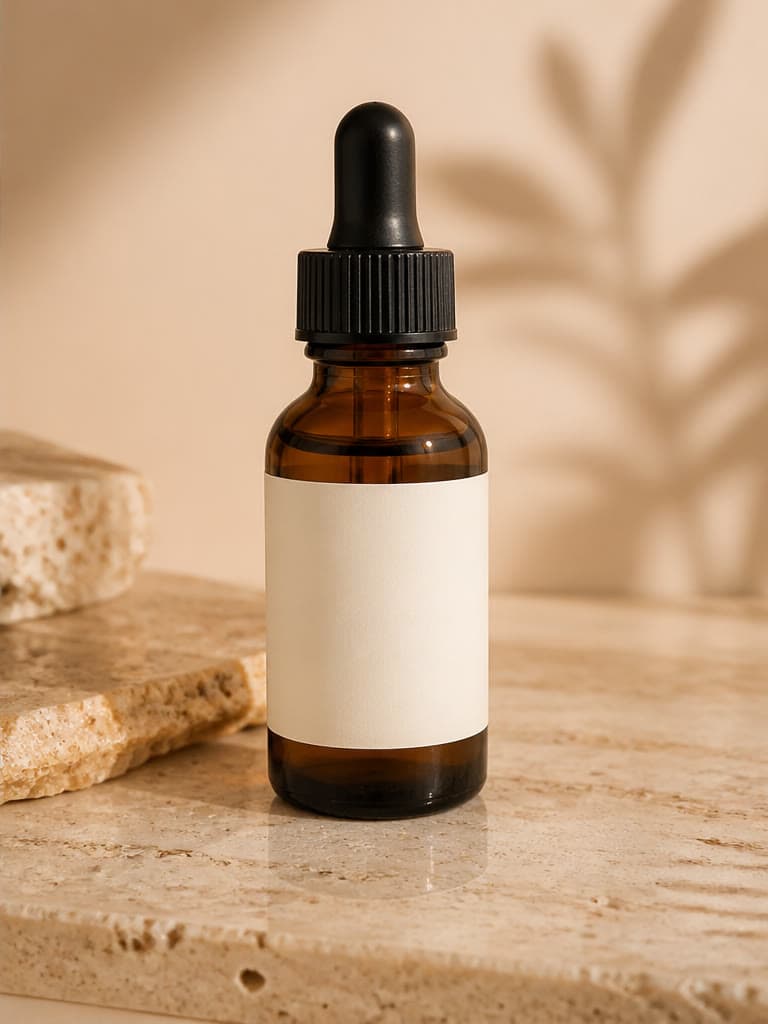
AI product photography can turn a clean product reference into studio, lifestyle, seasonal, and campaign concepts. The useful question is not whether AI can make an attractive image; it is whether the result represents the real product accurately enough for its intended placement. This guide explains a repeatable upload, prompt, generate, and review workflow for ecommerce teams.
What AI product photography does
An AI product photo generator uses a source image as a visual reference and creates a new surrounding scene. Instead of photographing the same item in several physical locations, a team can explore a white studio, a kitchen counter, a summer beach, or a premium editorial setting from one usable reference.
This is different from simple background removal. Generative tools can create new lighting, surfaces, shadows, props, and context. That flexibility is useful for creative exploration, but it also means the output must be checked for changes to product shape, color, texture, text, and branding.
Where AI product photos work well — and where they do not
AI works well for concept development, social media variations, advertising drafts, seasonal scenes, and lifestyle compositions where the surrounding environment carries much of the creative value. It can shorten the path from an idea to a visual that a marketer, designer, or client can evaluate.
It is less suitable when every detail must be exact without review. Fine labels, regulated packaging, technical components, transparent materials, complex reflections, and fit-sensitive apparel can change during generation. Use verified photography when exact representation is mandatory, and treat AI output as a draft until it passes a product-level check.
Prepare a stronger source image
The source image sets the quality ceiling for the generation. A sharp, well-lit photo gives the model clearer information about the outline, proportions, material, and important details. A compressed screenshot or heavily cropped photo leaves more room for the model to guess.
- Show the complete product with minimal obstruction.
- Use even lighting and avoid blown highlights or crushed shadows.
- Choose an angle that clearly explains the product shape.
- Keep logos, labels, closures, and distinctive details readable.
- Use the highest-quality original available rather than a social-media download.
Use a repeatable generation workflow
A repeatable workflow makes results easier to compare and reduces random prompt changes. Save the original image, define one visual goal, generate a variation, and review it before changing several variables at once.
- Upload one clear product reference.
- Choose one use case, such as a product detail page, social ad, or seasonal banner.
- Describe the environment, lighting, camera angle, mood, and color palette.
- Generate and inspect the result at full resolution.
- Change one or two prompt details for the next variation so comparisons remain meaningful.
- Download only after product accuracy and placement requirements have been reviewed.
Write prompts that give useful art direction
A useful prompt behaves like a short creative brief. Name the setting, surface, light, palette, framing, and commercial style. Avoid stacking contradictory moods or asking the model to solve several unrelated scenes in one request.
For example: “Place this skincare bottle on pale stone in a warm minimalist bathroom, soft morning window light, subtle reflection, premium ecommerce photography, centered composition.” For a second variation, keep the product and composition instructions but change only the location or light.
Review every ecommerce image before publishing
An attractive image can still be commercially unusable if the product is wrong. Compare the result with the source at full size and use a written checklist instead of relying on a quick visual impression.
- Shape, scale, color, material, and product count match the real item.
- Logos, labels, text, patterns, ports, and closures remain accurate.
- Shadows, reflections, contact points, and perspective look physically plausible.
- No extra objects imply accessories or quantities that are not included.
- The crop, background, and content follow the current rules for the intended marketplace or ad platform.
- Claims suggested by the scene are truthful and can be supported.
AI product photography vs. a traditional photoshoot
These approaches solve different problems. AI is fast for exploring directions, adapting one concept to multiple campaigns, and creating early-stage variations. A traditional shoot provides direct control over the real object, lighting rig, lens, set, and talent, which matters when physical accuracy is the primary requirement.
A practical hybrid workflow often works best: use AI to test scenes and art direction, select the concepts worth pursuing, and reserve verified photography for hero images or placements where exact details matter. The decision should depend on risk and purpose rather than on whether one method is universally better.
Frequently asked questions
What is AI product photography?
It uses a product reference and generative AI to create new studio, lifestyle, or campaign images around the item.
Can AI replace every product photoshoot?
No. It is useful for concepts and many marketing visuals, but verified photography remains important when exact product representation is required.
How can I keep the product accurate?
Start with a clear reference, keep prompts focused on the environment, and compare shape, color, branding, text, and fine details against the real product after every generation.
Can I use the same source for several scenes?
Yes. Reuse a strong source image and change a small number of prompt variables for studio, lifestyle, seasonal, and advertising variations.
Related image workflows
How to Create an AI Product Lifestyle Photo
Build product lifestyle images from a clear reference, purposeful scene brief, controlled variations, and a product-accuracy review.
Product ConsistencyHow to Keep Products Consistent in AI Images
Use a reference hierarchy, stable prompts, controlled changes, and a product checklist to reduce inconsistency across AI product images.
Background ReplacementAI Background Replacement: A Realistic Photo Compositing Guide
Replace a photo background with AI while matching perspective, lighting, scale, edges, and shadows for believable product and portrait composites.
AI Image EditingHow to Edit Photos with AI Without Losing Important Details
Use natural-language AI photo editing with a controlled workflow for source preparation, focused instructions, side-by-side review, and safe commercial use.
Try the workflow with your own image
Upload a clear source, follow the guide, and review the result before downloading.
Open the related AI tool