Product Photography Workflow
How to Create an AI Product Lifestyle Photo
Build product lifestyle images from a clear reference, purposeful scene brief, controlled variations, and a product-accuracy review.
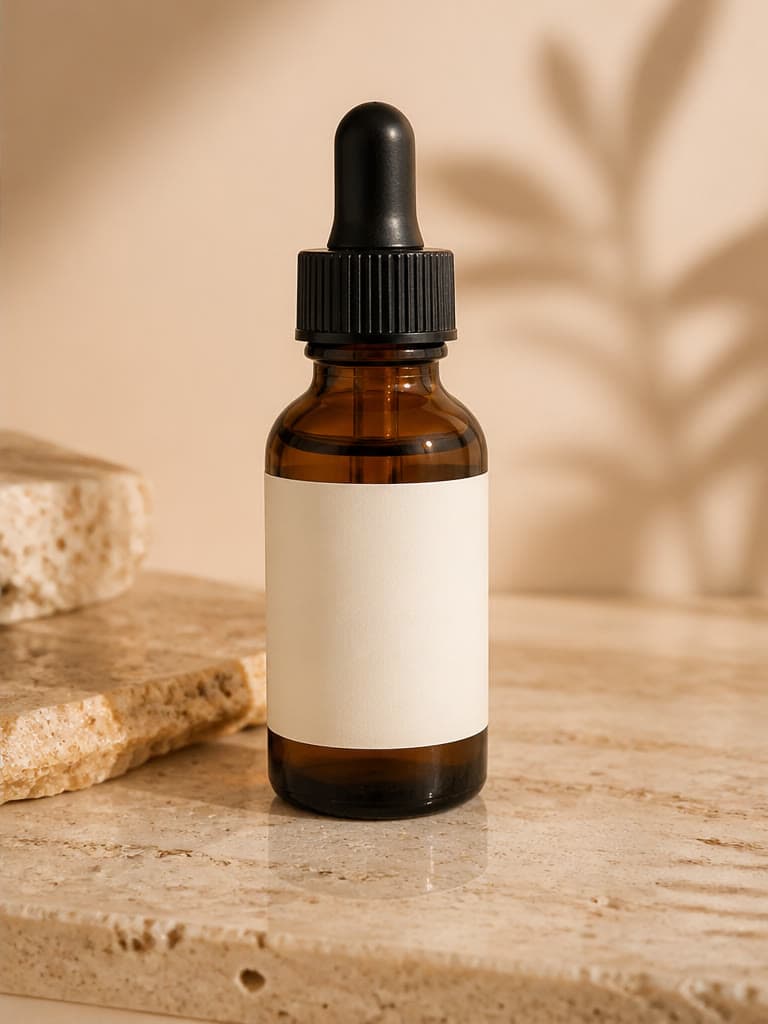
A product lifestyle photo shows an item in a believable setting that explains who it is for, where it belongs, or how it may be used. With AI, the useful workflow is to preserve a strong product reference, direct the surrounding scene, and treat every generated detail as something to verify before publication.
Define the image's job before the scene
Choose one concrete destination: a product page secondary image, square social post, campaign banner, marketplace graphic, or early creative concept. The destination determines crop, empty space, realism, and how much context the scene should provide.
Write one sentence about the intended viewer and message. A kitchen tool for a compact apartment needs different surroundings from the same tool presented as a professional gift.
- Choose one channel and aspect ratio.
- State the audience without stereotypes.
- Decide whether the image demonstrates context or only mood.
- List any product claim the scene must not imply.
Prepare a reference the model can read
Use an original, evenly lit image with the whole product visible. Keep distinctive edges, materials, controls, fasteners, labels, and packaging unobstructed. A clean background helps, but preserving product evidence matters more than making the source look polished.
If one view hides an important side, do not expect generation to reconstruct it reliably. Keep verified photography available for details the customer must inspect.
Direct the environment, not the product identity
Describe the surface, setting, time of day, light direction, camera distance, palette, and only the props needed to communicate use. Avoid asking for simultaneous locations or conflicting light. Tell the model to retain the product's shape and visual identity, then verify rather than assuming it complied.
Example brief: “Keep this ceramic mug centered on a light oak breakfast table, soft side window light, folded linen and one open book in the background, warm neutral palette, realistic ecommerce lifestyle photography, room for copy on the right.”
Generate comparable variations
Keep the reference, product position, and core composition stable while changing one variable such as surface, background color, or light. This produces a useful decision set instead of unrelated images.
Save the prompt and source used for shortlisted results. A repeatable record helps a team understand which creative direction was approved, even though a generative result may not reproduce identically.
Run a product and context review
Inspect at full resolution and compare directly with the real item. Check silhouette, count, dimensions, color, texture, label text, logo, closures, reflections, and contact shadows. Remove results that invent accessories, change capacity, or imply performance that has not been established.
Also review the scene: hands and bodies, cultural details, food pairings, safety context, and environmental claims can all change what the image communicates. A believable image still needs truthful use.
- Use real product photography for the primary evidence shoppers rely on.
- Do not describe generated people as customers or endorsers.
- Check current marketplace and advertising requirements.
- Keep the original reference for final comparison.
Frequently asked questions
What makes a useful AI product lifestyle photo?
It has one clear purpose, a believable setting, controlled art direction, and a product that has been checked against the real reference.
How many props should I describe?
Use only props that explain context or balance the composition. Too many objects increase clutter and create more details that can be generated incorrectly.
Can a lifestyle image replace real product photos?
Not when shoppers need verified evidence of exact shape, materials, labels, dimensions, fit, or included items. Use AI as reviewed creative content alongside accurate source photography.
Why does the product change between scenes?
Generative editing synthesizes each output and may reinterpret details. Use the same clear reference and stable instructions, then reject any result that changes material product features.
Related image workflows
AI Product Photography: A Practical Guide for Ecommerce Brands
Learn a practical AI product photography workflow for source images, prompts, lifestyle scenes, quality checks, and deciding when a real photoshoot is still necessary.
Background ReplacementAI Background Replacement: A Realistic Photo Compositing Guide
Replace a photo background with AI while matching perspective, lighting, scale, edges, and shadows for believable product and portrait composites.
Product ConsistencyHow to Keep Products Consistent in AI Images
Use a reference hierarchy, stable prompts, controlled changes, and a product checklist to reduce inconsistency across AI product images.
AI Image EditingHow to Edit Photos with AI Without Losing Important Details
Use natural-language AI photo editing with a controlled workflow for source preparation, focused instructions, side-by-side review, and safe commercial use.
Try the workflow with your own image
Upload a clear source, follow the guide, and review the result before downloading.
Open the related AI tool