AI Photo Enhancer
Restore dull or low-quality photos with natural clarity, balanced color, and cleaner detail without changing the content.
Drag & drop an image, or click to browse
Supports JPG, PNG, WEBP up to 20MB
Your result will appear here
See the transformation
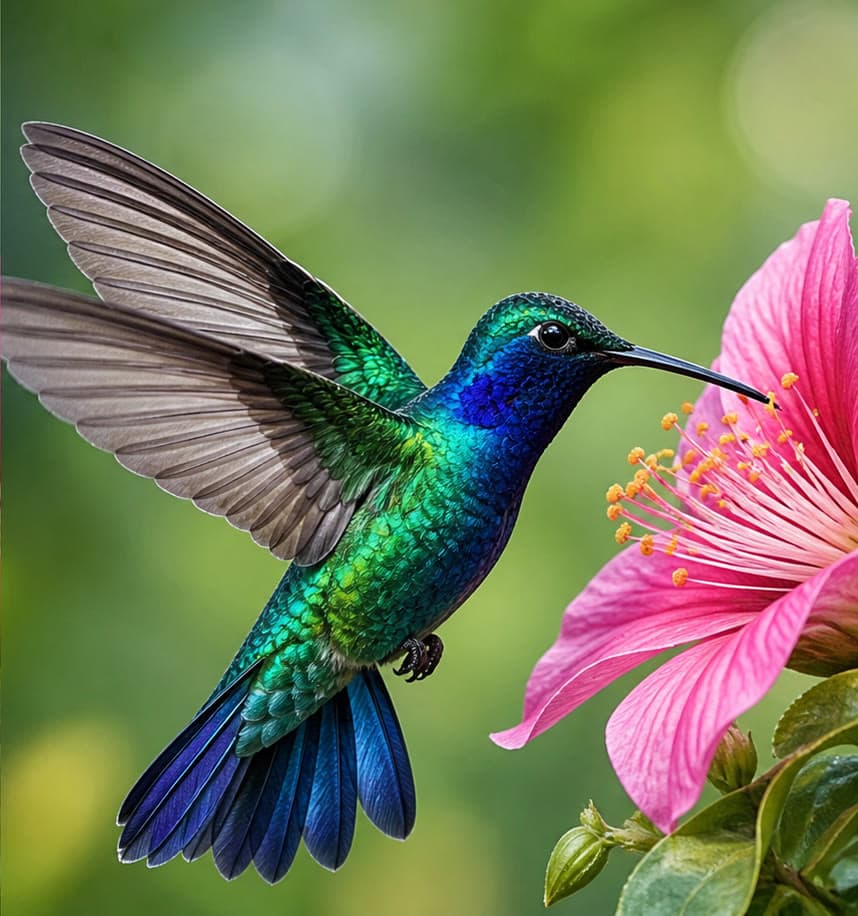
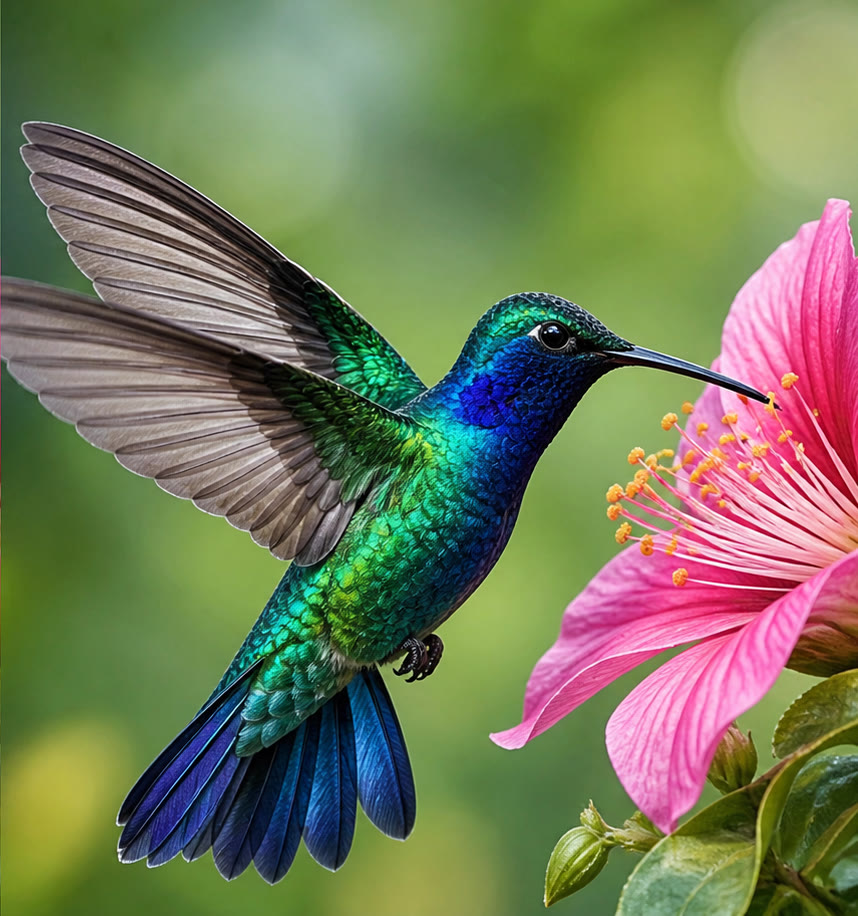
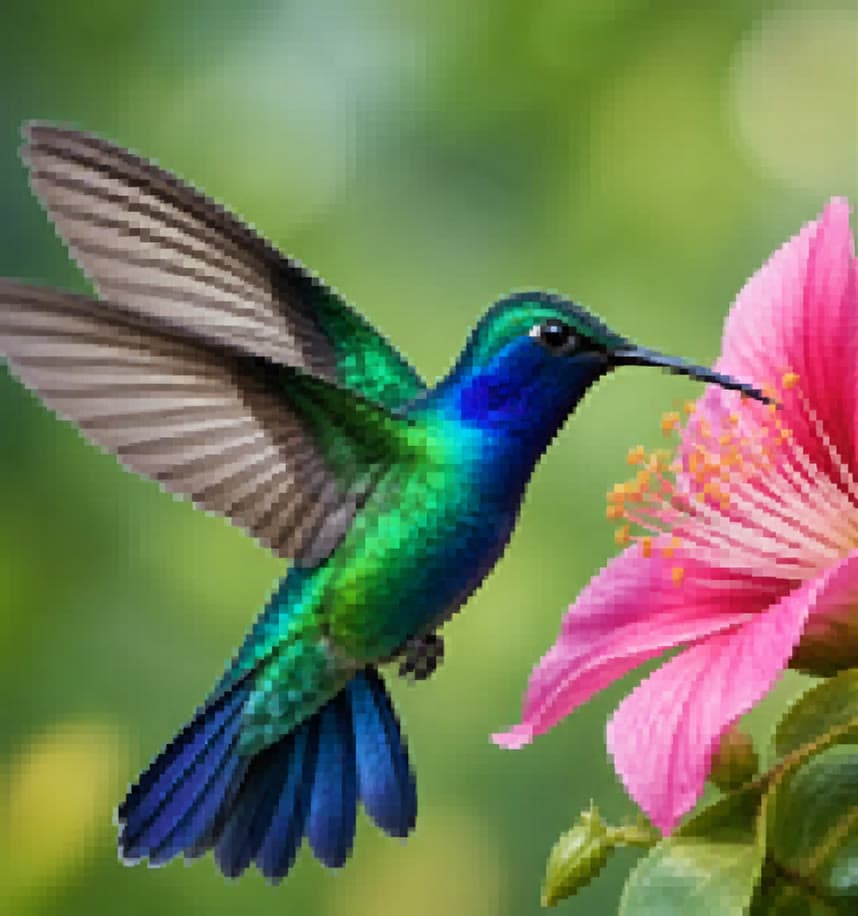
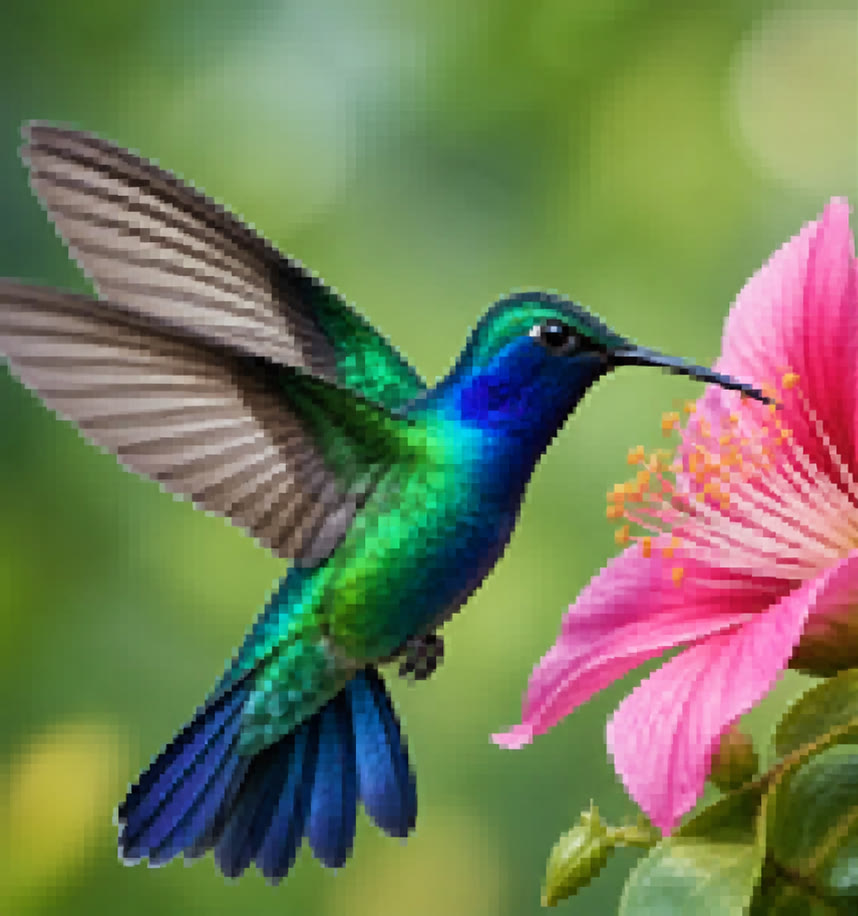
Practical workflows
AI Image Enhancement Guide: Improve Clarity, Color, and Noise Carefully
Enhance photos with AI using a controlled workflow for exposure, color, noise, sharpness, faces, texture, and truthful before-and-after review.
AI Image UpscalingAI Image Upscaling Guide: Increase Resolution Without Overclaiming Detail
Understand AI upscaling, prepare low-resolution images, choose a sensible output size, and inspect invented texture, faces, text, sharpening, and compression.
Features
One-click enhancement
Improve clarity, lighting, color balance, and detail with no prompt required.
Natural restoration
Recover a cleaner image while preserving its composition and recognizable content.
Balanced color
Correct dull tones and uneven exposure for a more polished result.
Use cases
Old photos
Refresh faded or noisy family and archive images.
Marketplace images
Improve inconsistent supplier photos before publishing listings.
Social media
Polish phone photos before sharing or promoting them.
Frequently asked questions
Is enhancement the same as upscaling?
No. Enhancement focuses on clarity, color, and lighting; upscaling primarily increases pixel dimensions.
Will it change the content?
The model is instructed to preserve the content, but you should review fine details after any generative enhancement.
Can it fix a severely blurred photo?
It can improve mild blur and low-quality detail, but it cannot reliably recover information that is completely missing.