Product Consistency
How to Keep Products Consistent in AI Images
Use a reference hierarchy, stable prompts, controlled changes, and a product checklist to reduce inconsistency across AI product images.
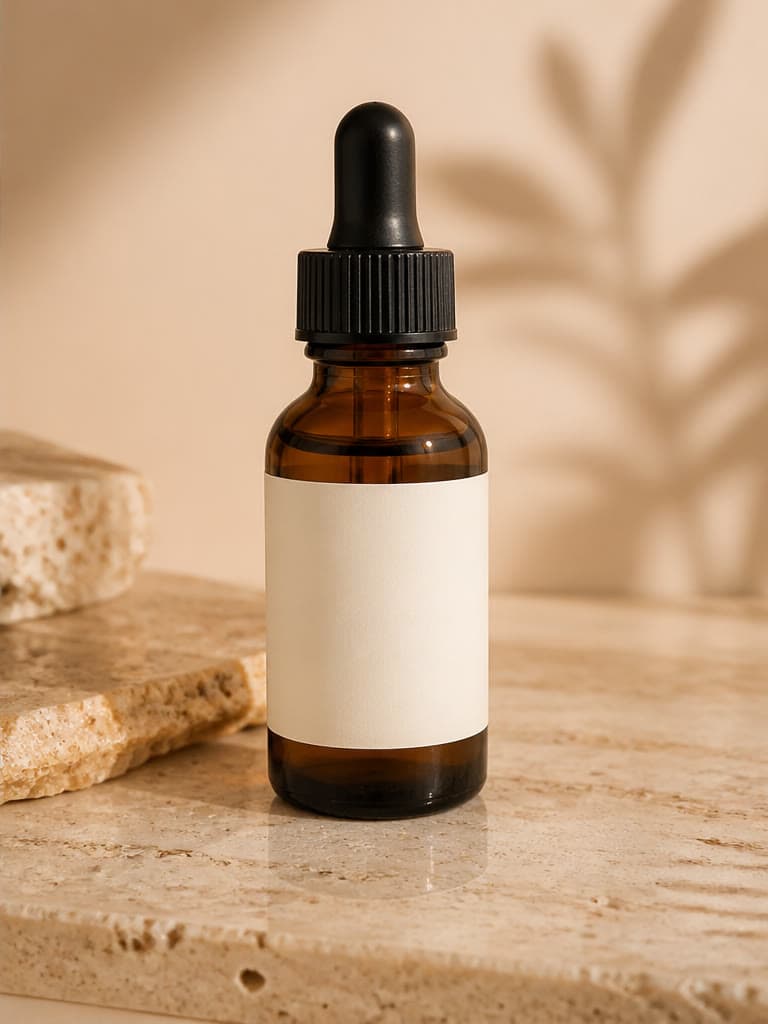
Product consistency means that the item keeps the same identifiable shape, proportions, color, materials, components, branding, and included parts across an image set. AI can support visual variation, but it does not guarantee identity preservation; consistency comes from disciplined inputs and rejection criteria.
Create a reference hierarchy
Choose one approved hero reference as the identity anchor. Add separate verified views only when they explain a feature hidden in the anchor; do not mix colorways, packaging revisions, or similar SKUs.
Write a short product truth sheet with shape, dimensions, materials, color, component count, label wording, logo placement, closures, ports, pattern, and included accessories. This converts a vague request to “keep it the same” into observable checks.
- Use originals rather than compressed marketplace images.
- Label each source with SKU and colorway.
- Separate current packaging from retired versions.
- Mark details that must remain readable.
Lock the stable parts of the brief
Keep the same product description, camera angle, framing, scale, and identity constraints across a series. Change the background, surface, or light separately. If product position and scene change together, it becomes harder to tell which instruction caused drift.
Use concrete constraints such as “one bottle, unchanged amber glass, black pump, white rectangular label” while recognizing that words alone cannot guarantee compliance.
Build a controlled variation matrix
Plan rows for the stable product and columns for one creative variable: studio background, kitchen context, outdoor setting, seasonal palette, or ad crop. Generate a small set, compare it, then choose the next change.
Do not select only by overall attractiveness. A consistent campaign may use a less dramatic result because it preserves the real item more faithfully.
Compare with a product-level checklist
View the source and candidate at the same scale. Check silhouette first, then proportions, material, color, component count, branding, text, pattern alignment, openings, fasteners, and accessories. Zoom out to review scale and context after the identity check.
Text and logos deserve special caution because plausible-looking letter shapes may still be wrong. Do not publish an unreadable or invented label as if it were the real package.
- Correct product count and orientation.
- No changed caps, handles, seams, ports, or closures.
- Color and transparency remain credible.
- Logo and label wording match the approved asset.
- Props do not appear to be included with the purchase.
Know when editing is appropriate
Minor scene issues outside the product can be candidates for the image editor or background tools. If the product itself has changed shape, branding, safety information, or construction, returning to the reference and regenerating is usually safer than painting over multiple errors.
For a campaign set, maintain a simple approval record: source, prompt, output, intended channel, reviewer, and the checks completed. This helps teams avoid accidentally using a rejected variant later.
Use verified photography for exact evidence
AI consistency is a production discipline, not proof that a generated product is exact. Use real photography for details, fit, scale, ingredients, regulated labels, technical components, safety features, and any view on which a purchase decision materially depends.
A hybrid set can use verified product cutouts and detail images alongside reviewed AI lifestyle concepts. Label or disclose synthetic imagery where current rules or context require it.
Frequently asked questions
Can AI keep a product exactly identical across images?
Not reliably. A clear reference and stable workflow can reduce drift, but each output still needs comparison and material errors should be rejected.
Which product details should I check first?
Start with silhouette, proportions, count, color, materials, components, branding, label text, and included accessories.
Should I fix an incorrect product with AI editing?
Editing can help with surrounding scene details, but regenerating from the approved reference is safer when product shape, construction, label, or safety information is wrong.
How do I keep a whole campaign coherent?
Use one reference hierarchy, a stable product brief, fixed framing rules, a controlled variation matrix, and the same written review checklist for every asset.
Related image workflows
AI Product Photography: A Practical Guide for Ecommerce Brands
Learn a practical AI product photography workflow for source images, prompts, lifestyle scenes, quality checks, and deciding when a real photoshoot is still necessary.
Product Photography WorkflowHow to Create an AI Product Lifestyle Photo
Build product lifestyle images from a clear reference, purposeful scene brief, controlled variations, and a product-accuracy review.
Background ReplacementAI Background Replacement: A Realistic Photo Compositing Guide
Replace a photo background with AI while matching perspective, lighting, scale, edges, and shadows for believable product and portrait composites.
AI Image EditingHow to Edit Photos with AI Without Losing Important Details
Use natural-language AI photo editing with a controlled workflow for source preparation, focused instructions, side-by-side review, and safe commercial use.
Try the workflow with your own image
Upload a clear source, follow the guide, and review the result before downloading.
Open the related AI tool