E-commerce

AI Model Photo Generator

Upload a clothing or accessory photo and describe the model and setting you want for a professional campaign visual.

Drag & drop an image, or click to browse

Supports JPG, PNG, WEBP up to 20MB

Your result will appear here

See the transformation

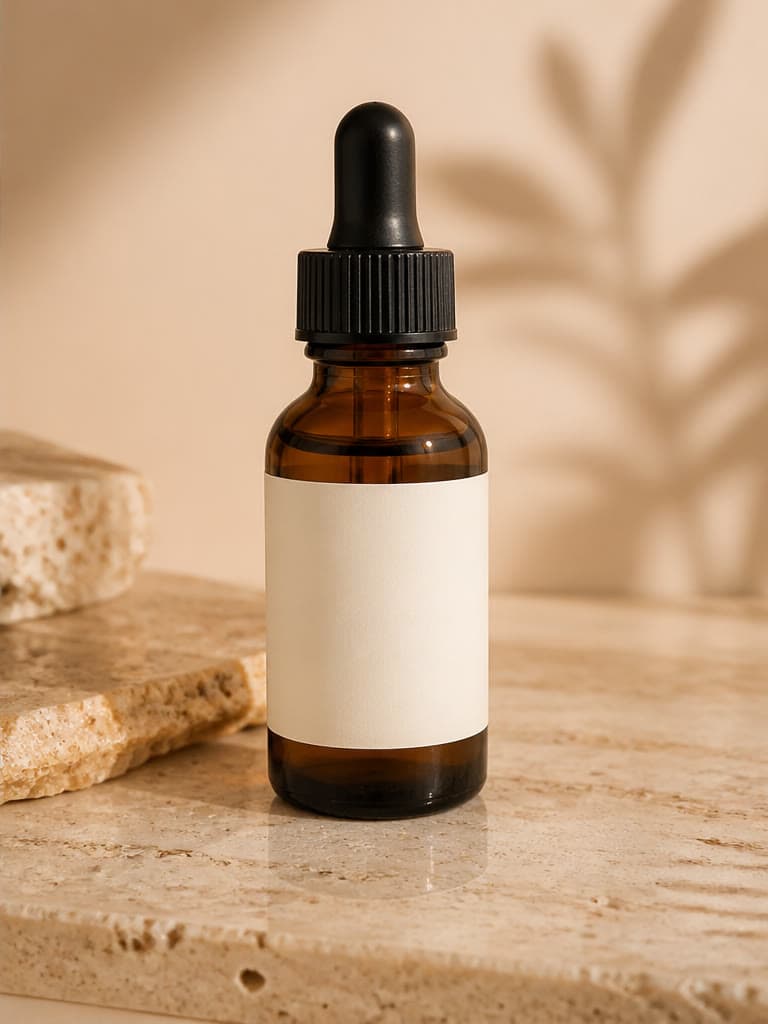
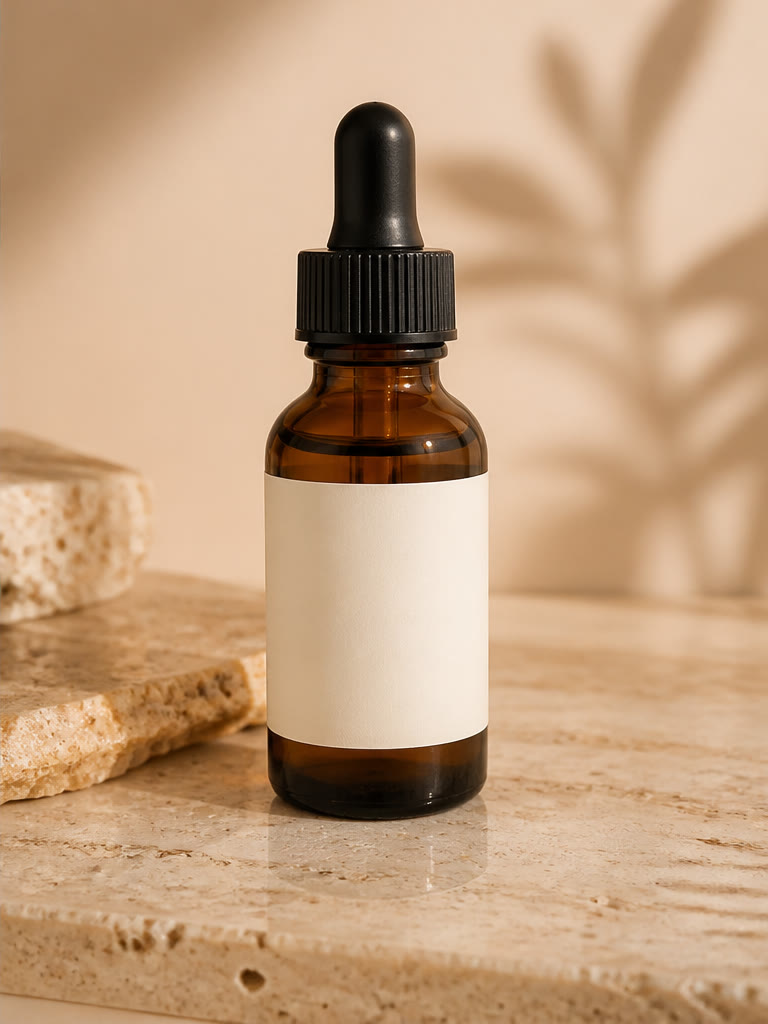
AI Model Photo Generator — AI Result
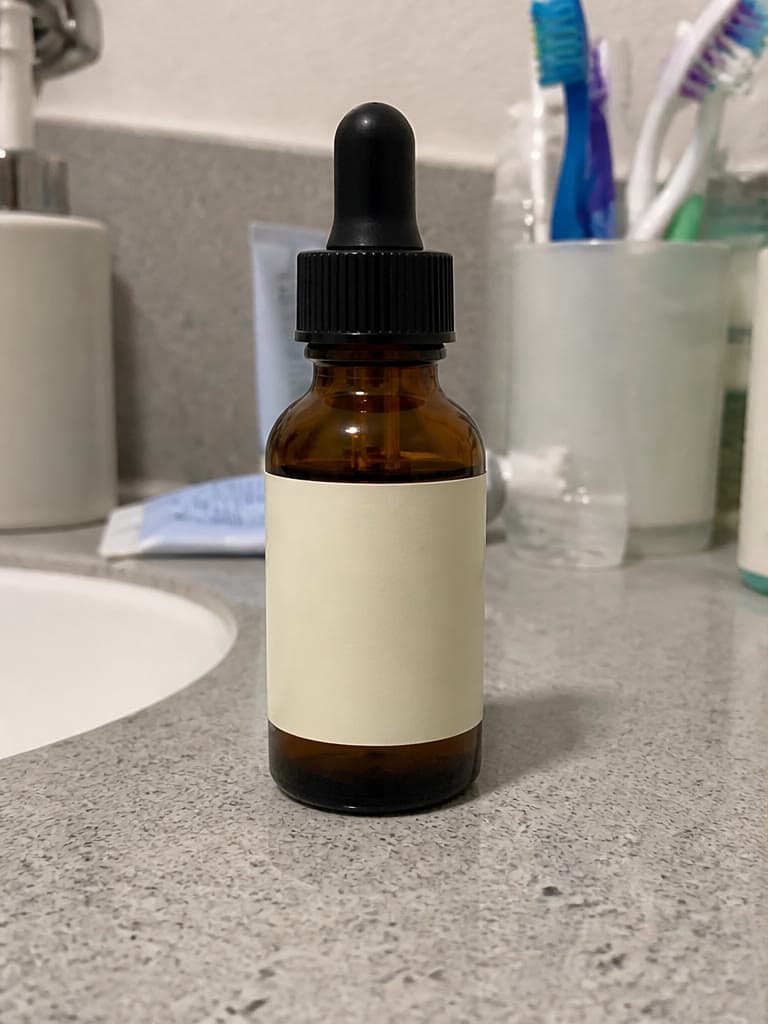
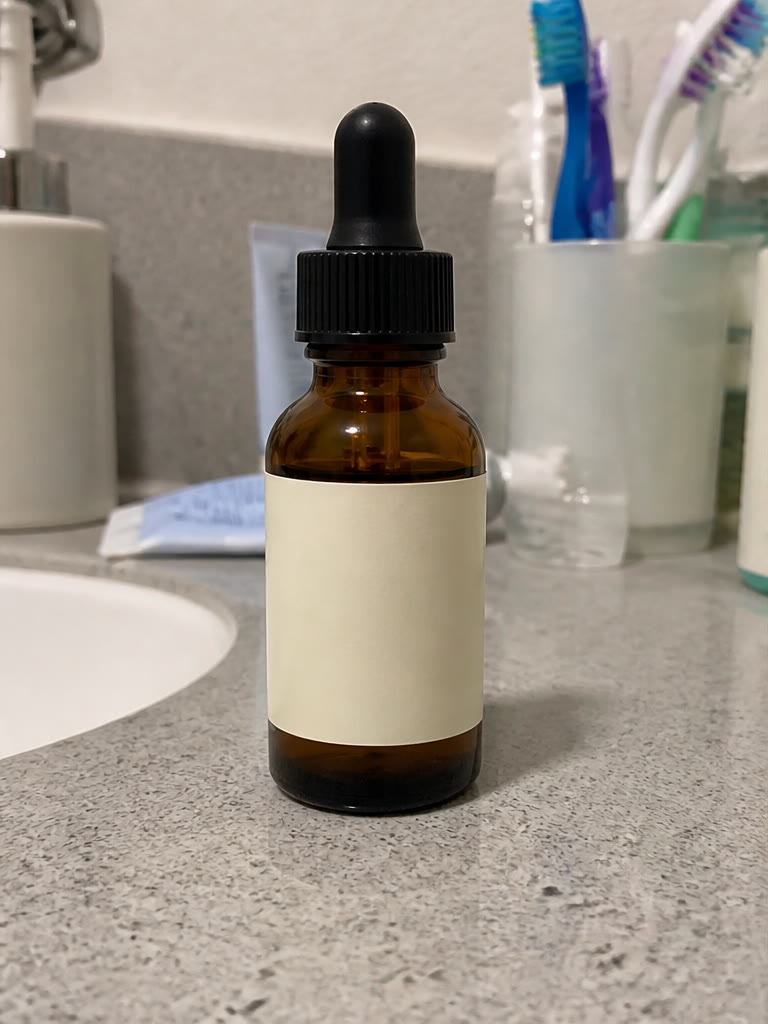
AI Model Photo Generator — Original
Original
AI Result

How to create an AI model photo

Upload a front-facing clothing or accessory image with the complete item visible. Then describe the model, pose, framing, location, lighting, and campaign mood you need. A focused request gives the AI model photo generator clearer visual priorities.

Use one request to test a specific creative direction, then refine the wording for another variation. Keeping each prompt consistent makes it easier to compare model poses, settings, and crops for a product page, advertisement, or social campaign.

Prepare stronger product references

Use a sharp, evenly lit source photo with minimal occlusion. Show the full silhouette, important seams, closures, patterns, and material texture. For bags, jewelry, eyewear, or shoes, choose an angle that clearly communicates the product shape.

A reference image guides the generation but does not lock every pixel. Small logos, patterns, colors, construction details, and fit can change, especially when the source is compressed, cropped, or photographed at an extreme angle.

Review AI model photos before commercial use

AI model photos are useful for creative exploration, campaign concepts, and producing visual options without organizing every early-stage shoot. They can also help teams compare settings and art direction before investing in final production.

Always inspect anatomy, garment fit, product proportions, logos, text, and fine details at full resolution. Compare the output with the real item and your marketplace or advertising rules. Use a traditional photoshoot when exact product representation or regulated claims are essential.

Features

Product-referenced generation

Use a clothing or accessory image as the visual reference for a model shot.

Custom model and scene

Describe the model, pose, location, lighting, and campaign style.

Campaign-ready output

Create polished concepts for product pages, ads, and social media.

Use cases

Fashion stores

Show apparel in a styled model context without arranging every shoot.

Accessories

Create lifestyle concepts for bags, jewelry, eyewear, and footwear.

Campaign concepts

Explore creative directions before committing to production.

Frequently asked questions

Which source image works best?

Use a front-facing, well-lit product image with the full item visible.

Will every product detail be exact?

Generative models can alter small logos, patterns, or construction details, so verify accuracy before commercial use.

Can I specify the model and pose?

Yes. Describe appearance, pose, setting, camera angle, and mood in the prompt.

Can this replace every product photoshoot?

No. It is useful for concepts and many campaign visuals, but exact product representation may still require verified photography.

Does it work for accessories as well as clothing?

Yes. Clear references for bags, jewelry, eyewear, and footwear can be used to create model and lifestyle concepts.

Related tools