AI Image Expander
Extend any image beyond its borders with AI outpainting — perfect for adapting one photo to every social and ad format.
Drag & drop an image, or click to browse
Supports JPG, PNG, WEBP up to 20MB
Your result will appear here
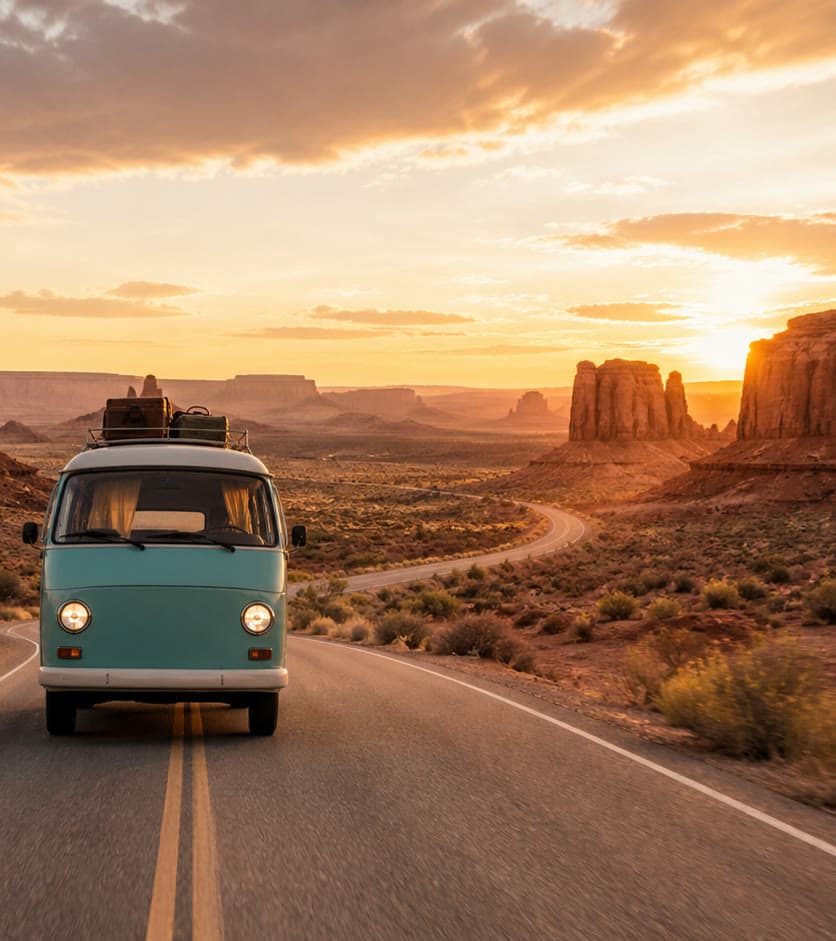
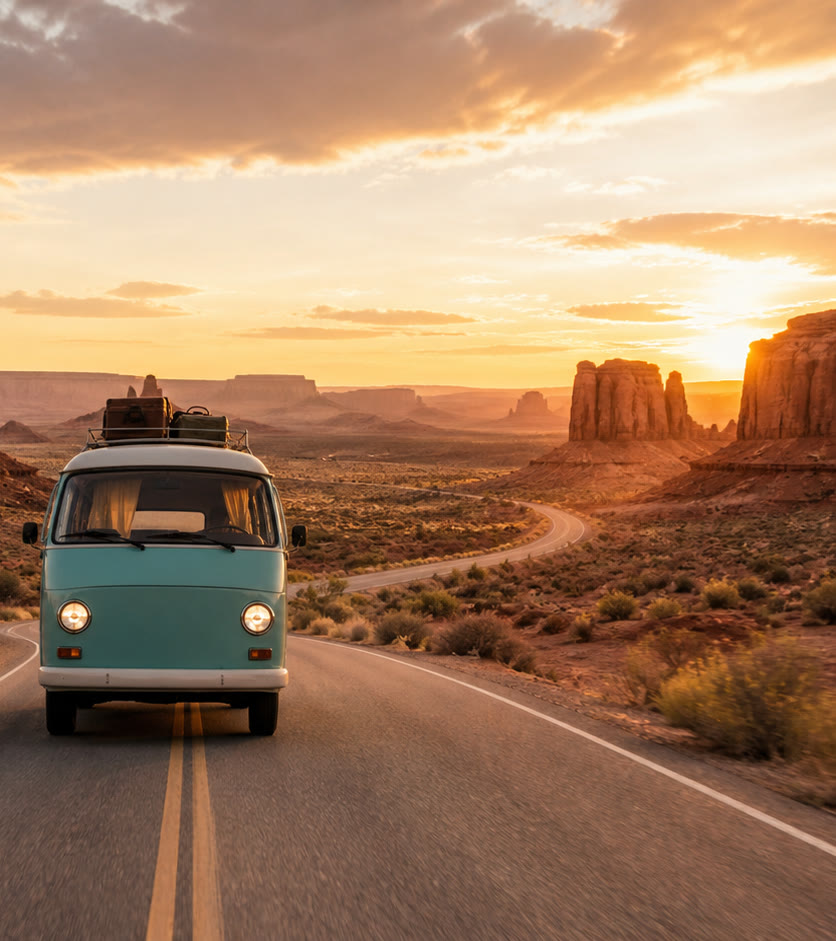
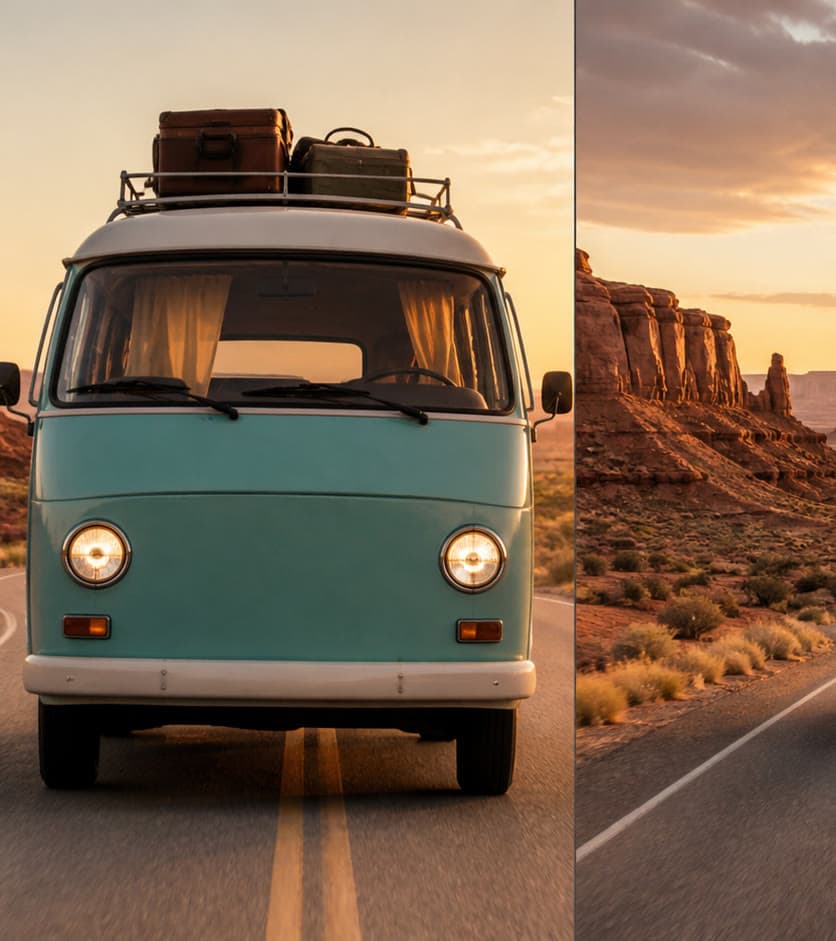
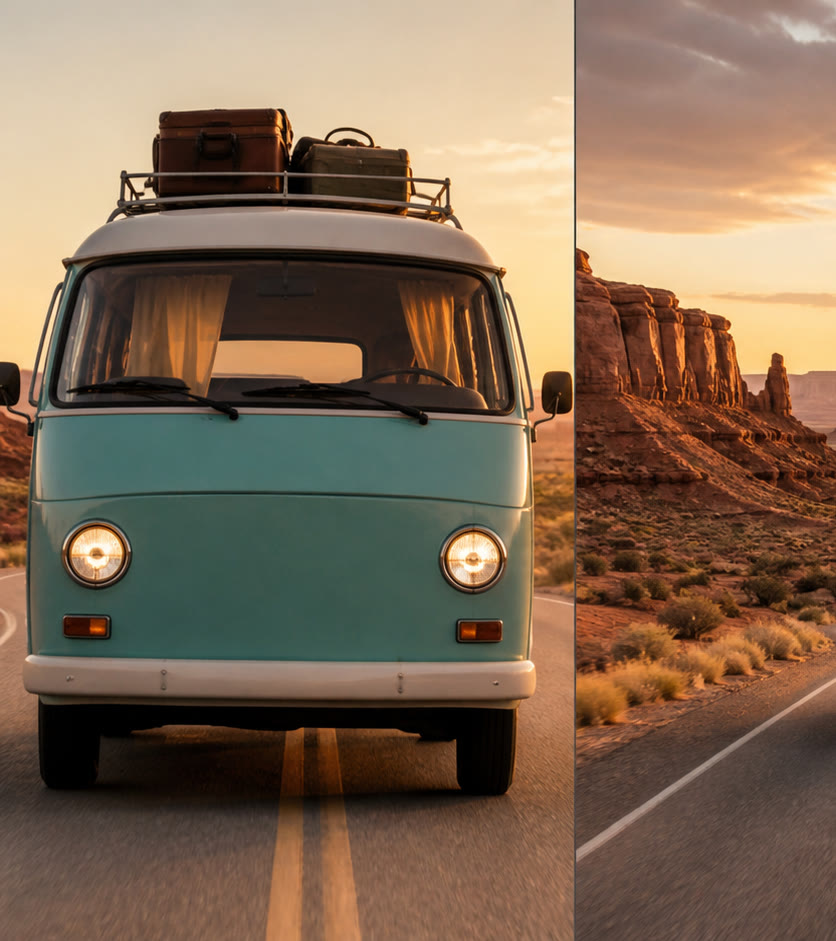
See the transformation
Practical workflows
AI Outpainting Guide: Extend Images for New Aspect Ratios
Learn how to extend an image with AI for banners, social formats, and reframing while checking continuity, invented content, and composition.
AI Image EditingHow to Edit Photos with AI Without Losing Important Details
Use natural-language AI photo editing with a controlled workflow for source preparation, focused instructions, side-by-side review, and safe commercial use.
Features
AI outpainting
Extend the canvas beyond the original edges with realistic content.
Any aspect ratio
Instantly adapt one image to 1:1, 4:5, 16:9, 9:16 and more.
Platform presets
One-click presets for Instagram, TikTok, YouTube, and Amazon.
Seamless blending
Extended areas match lighting, texture, and perspective automatically.
Reusable results
Download each completed extension and submit another ratio when needed.
No cropping loss
Keep your entire original subject — never crop it out.
Use cases
Social media repurposing
Turn one hero image into every required social format.
Banner ads
Fit a single creative into every ad unit size automatically.
Marketplace compliance
Meet exact aspect ratio requirements for Amazon and other marketplaces.
Frequently asked questions
Is this the same as cropping?
No — outpainting generates new realistic image content beyond the original borders instead of cutting anything out.
Which aspect ratios are supported?
1:1, 4:5, 16:9, 9:16, and custom platform presets for Amazon, Instagram, YouTube, and TikTok.
Will the extended area match the original style?
Yes, our AI matches lighting, color, and perspective for a seamless result.