Background Replacement
AI Background Replacement: A Realistic Photo Compositing Guide
Replace a photo background with AI while matching perspective, lighting, scale, edges, and shadows for believable product and portrait composites.
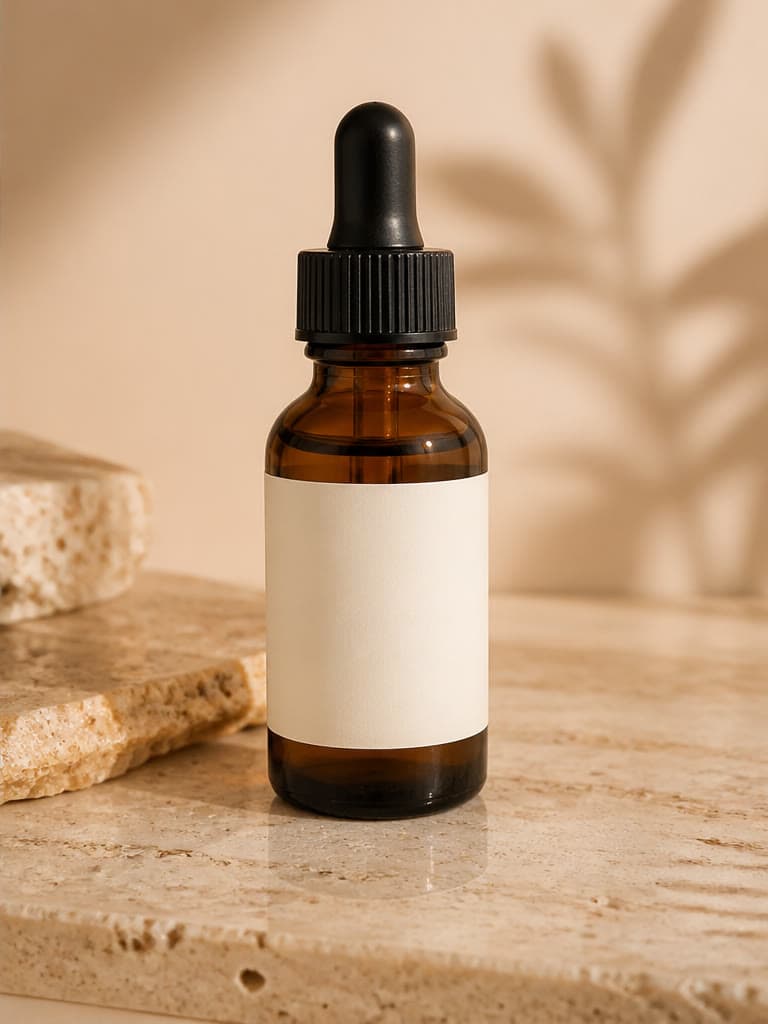
AI background replacement creates a new environment around an existing subject. A believable result depends on more than an attractive scene: the new perspective, light, color, scale, edge treatment, and contact shadow must agree with the source subject.
Choose a source that can fit a new scene
Use a sharp subject with visible edges and enough resolution for the final placement. Note the original camera angle and light direction; a top-down product will not naturally fit an eye-level shelf without changing its geometry.
Describe the background as a scene
Specify location, surface, depth, lighting, palette, and mood. Keep the request focused on the surroundings when subject accuracy matters.
- Match the camera height and horizon.
- Name the surface supporting the subject.
- State light direction and softness.
- Avoid props that imply unsupported features or quantities.
Check integration, not just beauty
Inspect the outline, hair, transparent areas, reflections, and contact points. Confirm that shadows point away from the light, scale feels plausible, and background blur is consistent with the subject's depth of field.
Protect identity and product truth
Generative replacement can alter faces, labels, shapes, and small details. Compare the complete result with the source and use verified photography when exact identity, regulated packaging, or documentary context is required.
Frequently asked questions
How do I make a replacement background look realistic?
Match perspective, scale, light direction, color temperature, depth of field, edges, reflections, and contact shadows.
Can I replace a product background with white?
Yes, but verify the product edge, shadow, margins, and the destination platform's current requirements.
Will the foreground stay unchanged?
Not necessarily. Generative processing can change small details, so compare the subject with the source.
What should a background prompt include?
Describe the environment, support surface, perspective, lighting, palette, depth, and desired amount of negative space.
Related image workflows
AI Product Photography: A Practical Guide for Ecommerce Brands
Learn a practical AI product photography workflow for source images, prompts, lifestyle scenes, quality checks, and deciding when a real photoshoot is still necessary.
Product Photography WorkflowHow to Create an AI Product Lifestyle Photo
Build product lifestyle images from a clear reference, purposeful scene brief, controlled variations, and a product-accuracy review.
Product ConsistencyHow to Keep Products Consistent in AI Images
Use a reference hierarchy, stable prompts, controlled changes, and a product checklist to reduce inconsistency across AI product images.
AI Image EditingHow to Edit Photos with AI Without Losing Important Details
Use natural-language AI photo editing with a controlled workflow for source preparation, focused instructions, side-by-side review, and safe commercial use.
Try the workflow with your own image
Upload a clear source, follow the guide, and review the result before downloading.
Open the related AI tool