AI Image Upscaling
AI Image Upscaling Guide: Increase Resolution Without Overclaiming Detail
Understand AI upscaling, prepare low-resolution images, choose a sensible output size, and inspect invented texture, faces, text, sharpening, and compression.
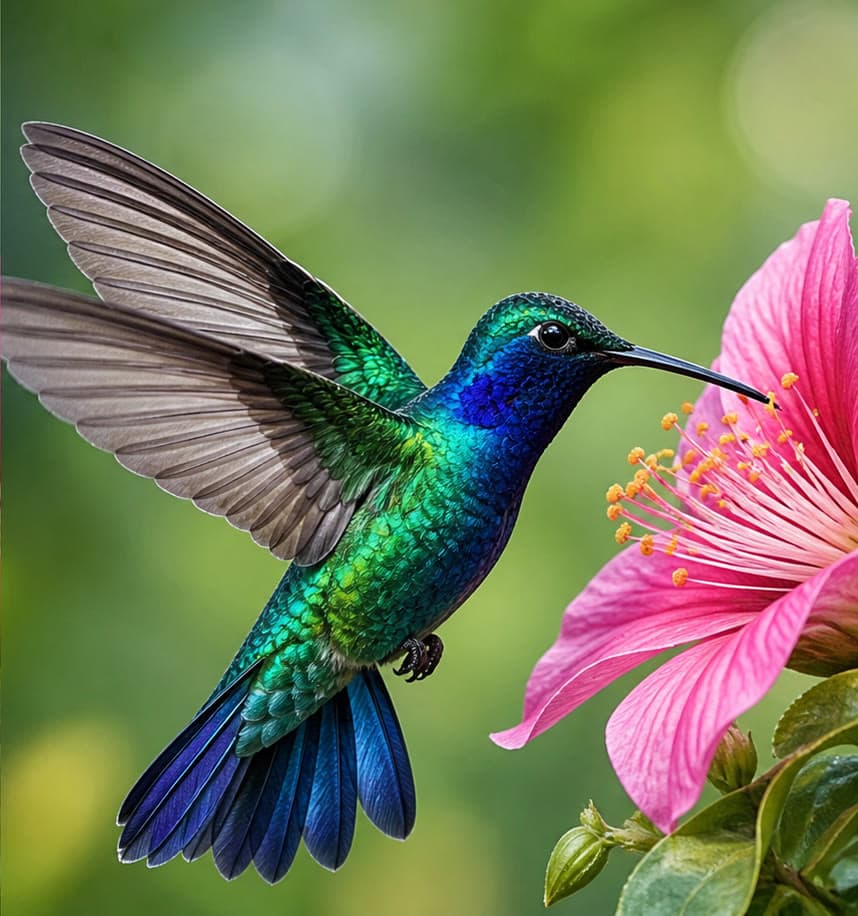
AI upscaling increases pixel dimensions while estimating edges and texture. It can improve presentation and print flexibility, but it cannot recover verified detail that the source never captured. The right goal is a cleaner, appropriately sized image—not forensic reconstruction.
Diagnose the source before enlarging
Check whether the main problem is low pixel count, blur, noise, compression blocks, or an out-of-focus capture. Upscaling helps size and perceived clarity, but severe motion blur or missed focus may remain.
- Use the earliest-generation original.
- Avoid enlarging a screenshot if the source exists.
- Crop only after deciding final dimensions.
- Record the intended screen or print size.
Choose a sensible scale
Upscale only as far as the final placement requires. Extreme enlargement gives the model more pixels to invent and increases processing and storage without guaranteeing useful detail.
Inspect high-risk details
Review eyes, teeth, skin, hair, fabric, foliage, repeated patterns, text, logos, and hard edges at 100% zoom. Look for plastic texture, halos, ringing, false lettering, duplicated detail, and oversharpening.
Export for the actual destination
Preserve a high-quality master, then create smaller delivery files for the web. Compression and responsive sizing often matter more to page speed than the master resolution. Never describe inferred detail as recovered evidence.
Frequently asked questions
Does AI upscaling restore real lost detail?
It can estimate plausible detail and improve perceived clarity, but it cannot verify information that was not captured in the source.
How much should I upscale an image?
Use the smallest scale that meets the final pixel dimensions; inspect the result before attempting a larger enlargement.
Can upscaling fix an out-of-focus photo?
It may improve appearance, but strong defocus or motion blur cannot be reliably reversed into verified detail.
Will a larger image slow down a website?
It can. Serve appropriately sized responsive files in efficient formats rather than the largest master to every visitor.
Try the workflow with your own image
Upload a clear source, follow the guide, and review the result before downloading.
Open the related AI tool