Skip to content
Photography

AI Photo Restoration & Old Photo Repair

Upload an old or damaged photo to repair scratches, creases, fading, blur, and noise, or colorize a black-and-white memory while preserving the original scene.

Instructions

Drag & drop an image, or click to browse

Supports JPG, PNG, WEBP up to 20MB

Only upload photos you own or are authorized to use. AI may infer missing details and cannot verify historical accuracy.

Preview

Your result will appear here

See the transformation

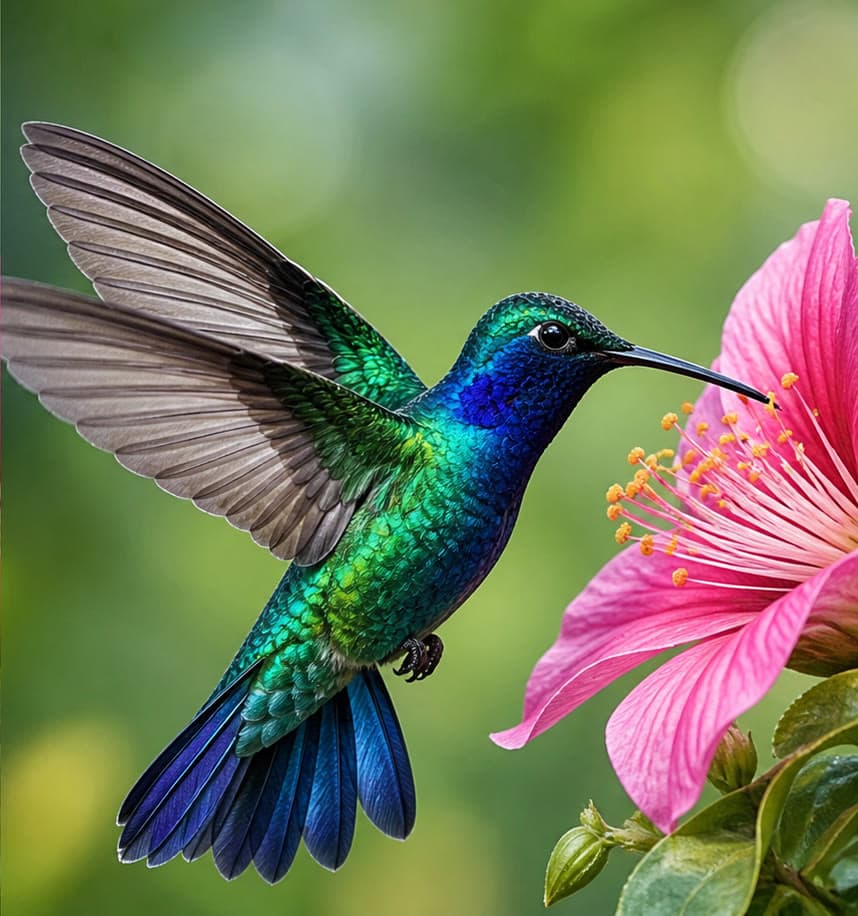
AI Photo Restoration — AI Result
AI Photo Restoration — Original
OriginalAI Result

How to restore an old photo online

Scan or photograph the original at the highest practical resolution. Keep the print flat, avoid reflections, include the full border, and do not apply strong filters before uploading. A clear source gives the model more real information to preserve.

Choose the mode that matches the main problem. Full restoration handles mixed wear, while focused modes target scratches, fading, blur, faces, or black-and-white colorization. Each image costs one credit, including each image in a batch.

Repair damage without rewriting the memory

Start with the least invasive correction that solves the problem. Keep people, expressions, clothing, furniture, background objects, framing, and period character intact. Retain the source scan and compare it with the result at the same crop and zoom.

Colorization is an interpretation rather than proof of the original colors. Use restrained, historically plausible color and avoid presenting inferred clothing, eye, hair, vehicle, or building colors as verified facts.

Review reconstructed details carefully

Generative restoration can infer pixels that were blurred, scratched, faded, or missing. It cannot recover information that no longer exists with certainty, and it may alter faces, hands, patterns, jewelry, writing, or small objects.

Inspect every person and meaningful detail at full size before printing or sharing. For archives, legal evidence, genealogy, journalism, museums, or historically important material, preserve an untouched master scan and label the restored copy as AI-assisted.

Features

Six focused restoration modes

Choose full repair, scratch removal, colorization, faded-color recovery, blur reduction, or face restoration.

Conservative content preservation

The service instructs the model to keep the original people, composition, objects, and period character unchanged.

Damage and quality repair

Reduce scratches, creases, dust, stains, fading, mild blur, grain, and noise in one workflow.

Use cases

Family photo archives

Prepare clearer digital copies of old family prints while retaining the source scan.

Damaged prints and scans

Repair visible wear such as scratches, folds, dust, stains, and faded contrast.

Black-and-white memories

Create a carefully colorized interpretation while keeping the original monochrome file.

Frequently asked questions

What damage can AI photo restoration repair?

It can reduce scratches, folds, dust, stains, fading, mild blur, grain, and noise. Severe missing areas may only be approximated.

Can I colorize a black-and-white photo?

Yes. The colorization mode creates a plausible interpretation, but the original colors cannot be verified from a monochrome source.

Will the restored photo preserve every face exactly?

The model is instructed to preserve identity, but damaged or low-resolution faces can change. Always compare the result with the source.

Should I scan the original before uploading?

Yes. Use a high-resolution, evenly lit scan or photograph with the full image visible and keep an untouched master copy.

Is an AI-restored image historically accurate?

Not necessarily. AI may infer missing pixels, colors, and details, so restored images should not be treated as verified historical evidence.

Related tools