Background Removal
How to Remove an Image Background and Check the Cutout
Remove photo backgrounds with AI and learn how to prepare the source, inspect difficult edges, choose an export format, and avoid misleading product cutouts.
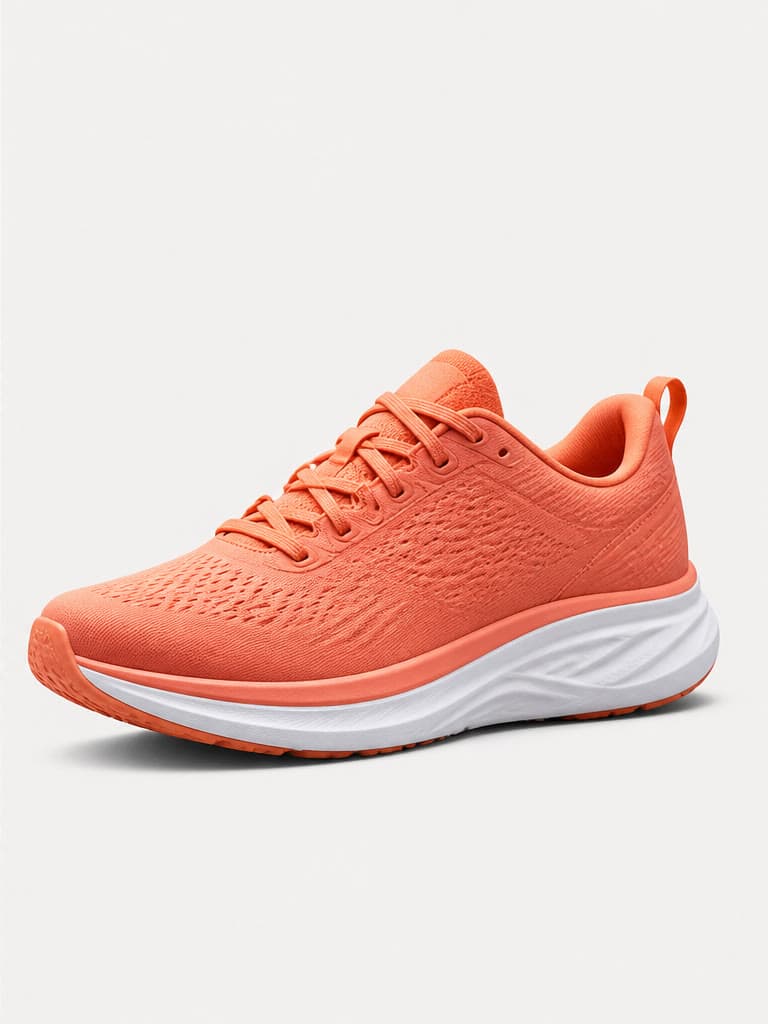
AI background removal separates a foreground subject from its surroundings and produces a cutout for product listings, design layouts, profile images, and composites. Speed is useful only when the mask is accurate, so hair, glass, shadows, fur, and low-contrast edges need deliberate review.
Start with a separable subject
Choose the highest-resolution original available. Clear contrast between subject and background gives the model stronger boundary information; motion blur, compression, and matching colors make the edge ambiguous.
- Keep the whole subject inside the frame.
- Avoid heavy blur and clipped edges.
- Use even light where possible.
- Retain the original file for comparison.
Inspect the mask at full size
Zoom into hair, fur, lace, spokes, straps, transparent materials, and spaces between limbs. Look for colored halos from the old background, missing thin details, jagged edges, and accidental holes.
- Check both light and dark preview backgrounds.
- Confirm interior gaps are transparent.
- Review contact shadows separately.
- Compare the silhouette with the source.
Choose transparency or a new background
Export PNG when transparency is required; JPEG does not preserve an alpha channel. If the cutout will sit on a new scene, match light direction, perspective, scale, color temperature, and shadow softness so it does not appear pasted on.
Review ecommerce accuracy
Background removal should not change the product itself. Confirm its shape, included accessories, color, label, and quantity. Check the destination marketplace's current rules because white-background, margin, and shadow requirements vary.
Frequently asked questions
Which format keeps a transparent background?
PNG and some modern formats can preserve transparency; JPEG cannot.
Why is there a colored halo around the subject?
Edge pixels may contain color from the original background, especially around soft or semi-transparent boundaries.
Can AI remove backgrounds around hair or glass?
It can attempt difficult edges, but fine hair, glass, smoke, lace, and reflections require close inspection and may need manual refinement.
Does a removed background meet marketplace rules?
Not automatically. Verify the current image requirements for the marketplace, placement, and product category.
Try the workflow with your own image
Upload a clear source, follow the guide, and review the result before downloading.
Open the related AI tool